
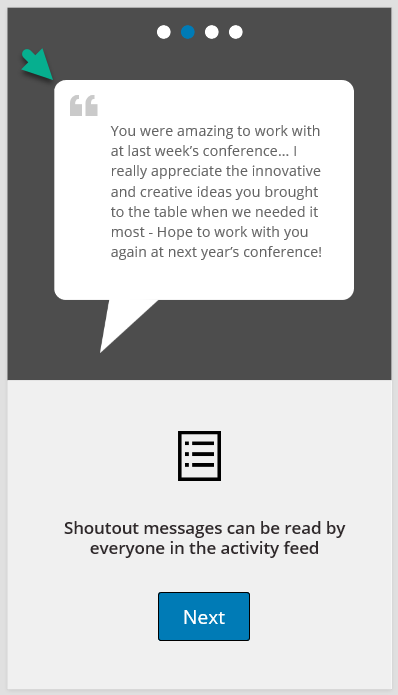
I'm working on a PowerApp with Microsoft and my team right now that has a design which includes a rectangle with rounded corners. Here's what it looks like, notice the rounded corners.
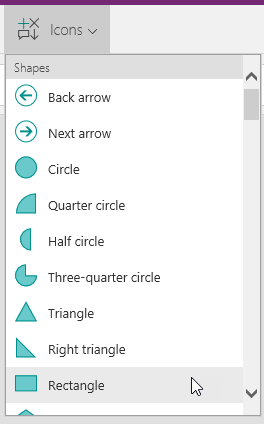
To implement the design, you may think the rectangle icon is where you start.
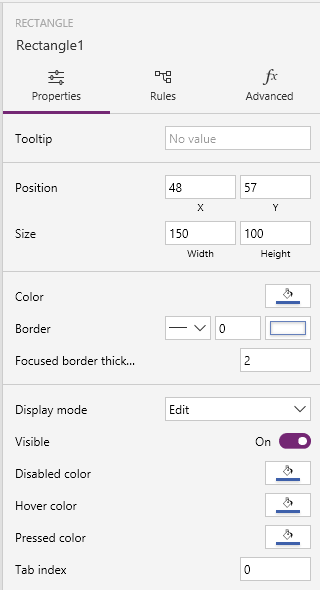
However, you will quickly find the rectangle icon does not currently include a Radius property that allows you to round the corners.
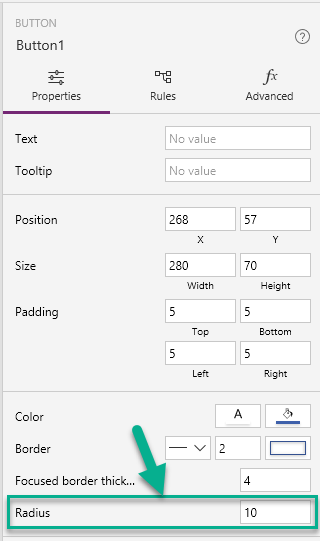
To implement the rounded corners on a rectangle, simply add a Button control to your PowerApp and set the Radius property, then delete the Text from the button and disable it.